
Makers
You make it yourself
Small batches, made-to-order pieces, and a waitlist when a run sells out.
Photograph what you make, set a price, pick a theme. That is the whole distance between a shelf and a shop.
Everything included · Cancel anytime · Your data exports whenever you ask
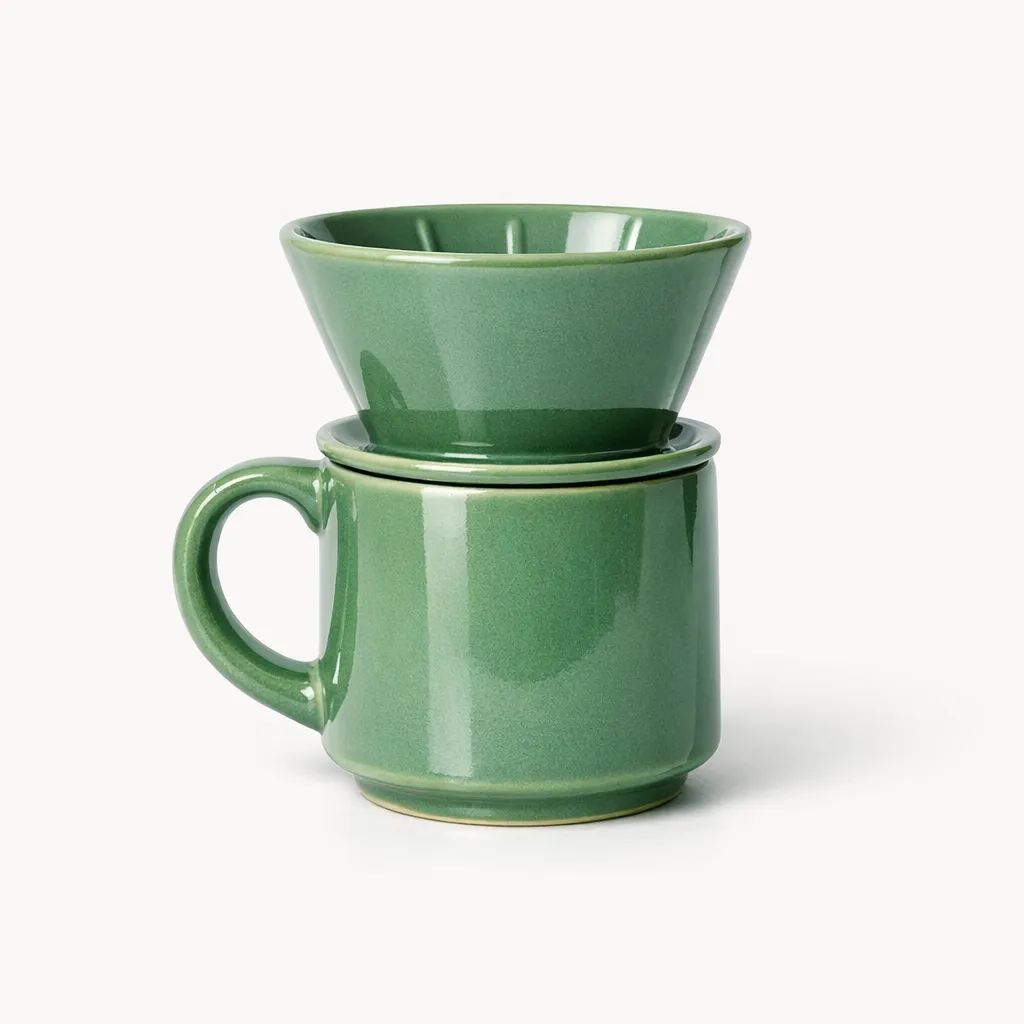
Sage pour-over mug
$28.00
In stock · ships tomorrow4.9 · 128 reviewsAdd to cart
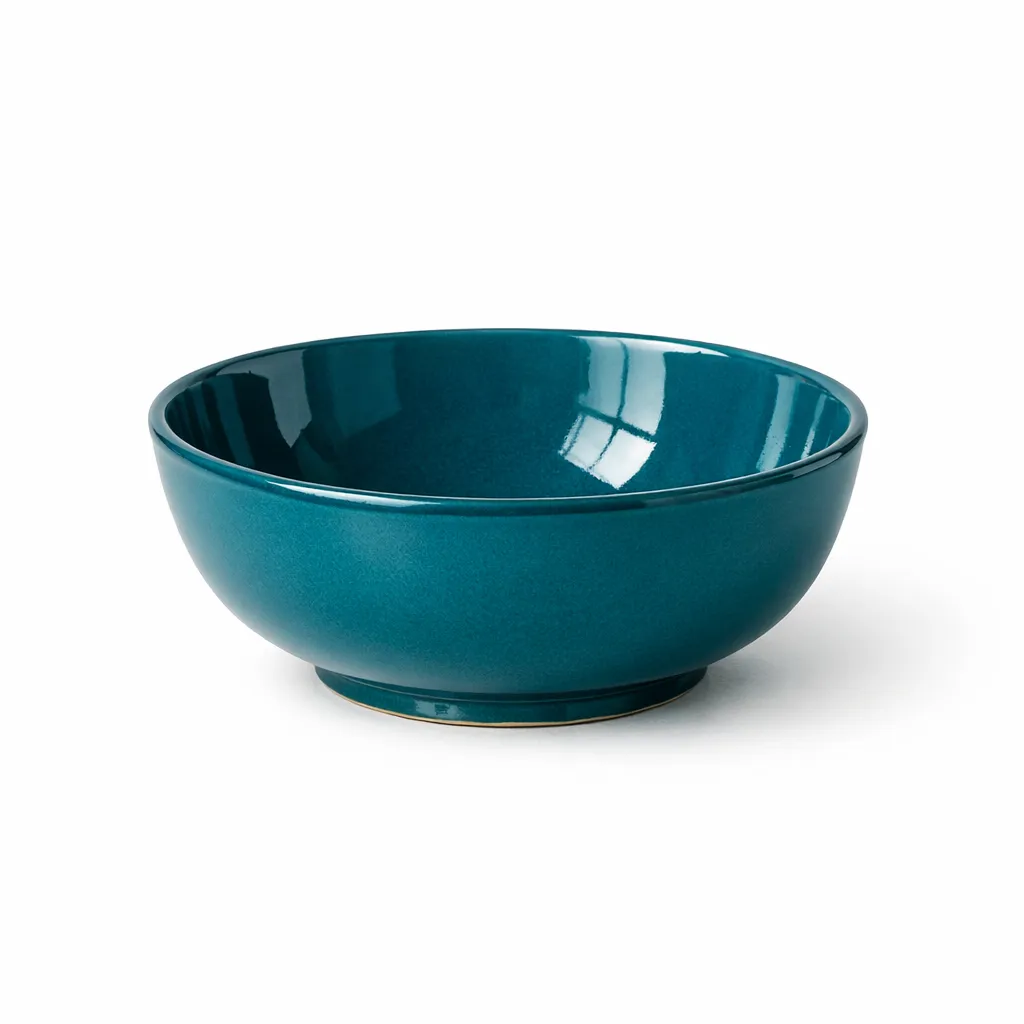 +18 more
Products, orders, payments and shipping run from a single panel.
No app store, no add-ons, no transaction fee stacked on your plan.
If you can fill in a form, you can run the whole store yourself.
If your day is spent making, packing and answering customers, the shop software should stay out of the way.
Small batches, made-to-order pieces, and a waitlist when a run sells out.

Repeat orders, subscriptions, and shipping that has to leave the same week.

A counter that works, and now a second one that stays open overnight.
See how moving worksImages are illustrative and generated for this site; they are not photographs of odakmarket customers.
No checklist of forty settings and no developer waiting on you. This is each step as it actually appears in the panel.
Type a name, set a price, drop in a photo. Already have a list? Import the spreadsheet and every product lands at once.

Connect the card processor you want to use and pick who ships your parcels. Two clicks each, and no paperwork in between.

Choose a theme, press publish, share the link. Your store is live and ready to take its first order.

Not a tier list, not a bundle, not an app you buy later. This is simply what a shop needs, switched on from the first day.
Sell the same mug on your store, Amazon and Etsy. When one sells, the count drops everywhere — so you never sell what you no longer have.
 Included
Cards, wallets and bank transfer. You connect your own processor account, so payouts reach your bank on the usual schedule.
Live rates from the carriers you use, labels printed from the order screen, and tracking sent to the buyer for you.
Cart recovery, campaigns, discount codes and gift cards — without a second marketing subscription.
What sold, what is slow and what to reorder. Readable in a minute, with no dashboard training.
Certificate, daily backups and every update handled for you. Nothing to install, nothing to patch.
What this actually costs you
Plans differ by how much you sell, never by which features you are allowed to use. No setup fee, and nothing charged per app.
Everything you need to open your first store.
$19/mo
For stores selling on more than one channel.
$39/mo
For high-volume stores that need room to move.
$79/mo
Cancel anytime · No setup fee · Local sales tax added where it applies
4.8 out of 5
Average rating from 1,240 merchants
“I had the shop open the same afternoon I signed up. I kept waiting for the part where I would need to call someone technical, and it never came.”
 Elin SandbergOwner · Kiln & Clay
“We were paying for four separate apps on our old platform. Here the same things were already switched on, so the bill got smaller and a lot simpler.”
 Tomas RétiFounder · North Roast
“Stock is the thing that used to break. Selling on two marketplaces and the shop at once, and never overselling, is what sold me.”
 Marguerite AdeyemiOwner · Fern & Field
No. You type a product name, set a price and pick a theme. There is no code to write, no server to rent and nothing to install. If you can fill in a form, you can run an odakmarket store.
Once we open your panel, most people go from an empty panel to a live store in about twenty minutes. Adding products is what takes the time after that — the setup itself is short. Opening the panel takes up to two working days from your request.
No. Shipping labels, discount codes, abandoned cart emails and stock tracking are part of the plan. Plans differ by how much you sell, never by which features you are allowed to use.
Yes. Connect a domain you already own, or register one while you are setting the store up. A secure certificate is issued automatically either way.
You connect your own card processor account, so payouts arrive in your bank exactly as they would anywhere else. We never sit between you and your money.
Cancel whenever you like and export your products, customers and orders as a spreadsheet. There is no contract, no notice period and no exit fee.
Pick a plan, add what you sell, and open. You can change plan or leave whenever you want.
Secure card payment · Cancel anytime · Export your data whenever